Submit Your Press Release Online

Choose your target country or region, compare the available options, and submit your press release online in a few simple steps. Upload a ready-to-use press release or share a brief, review your campaign details, and continue after editorial approval.

No subscription is required. You see the available package, price, and coverage details before completing your submission.

Submit Your Press Release in a Few Simple Steps

Submitting a press release online is straightforward with B2Press. Choose your target market, select an available option, upload your press release or brief, and complete the submission after editorial review.

Choose Your Target Country or Regionright arrow

Choose Your Target Country or Region

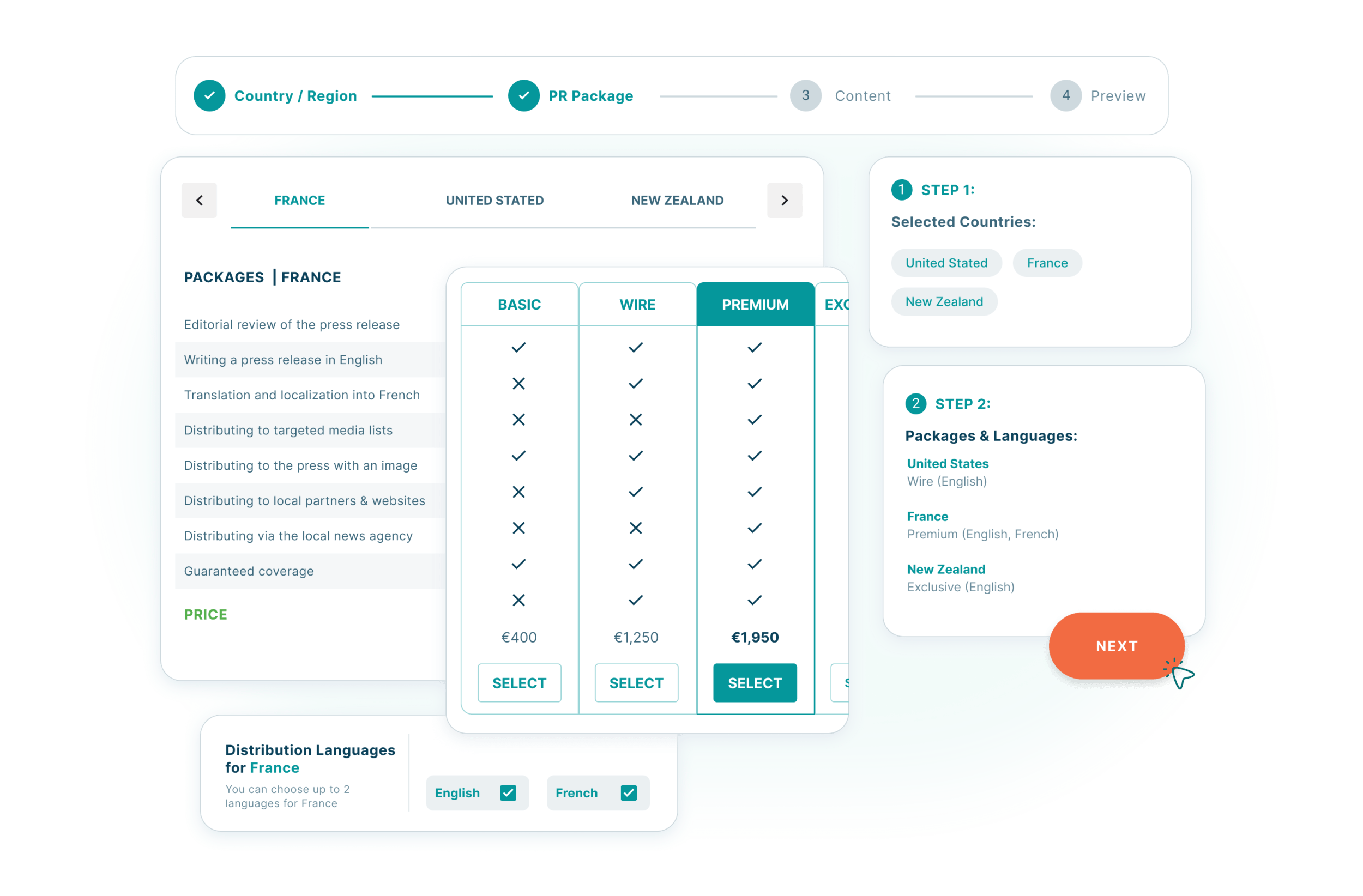
Select the country, region, or global option where you want to submit your press release.

Choose Your Submission Packageright arrow

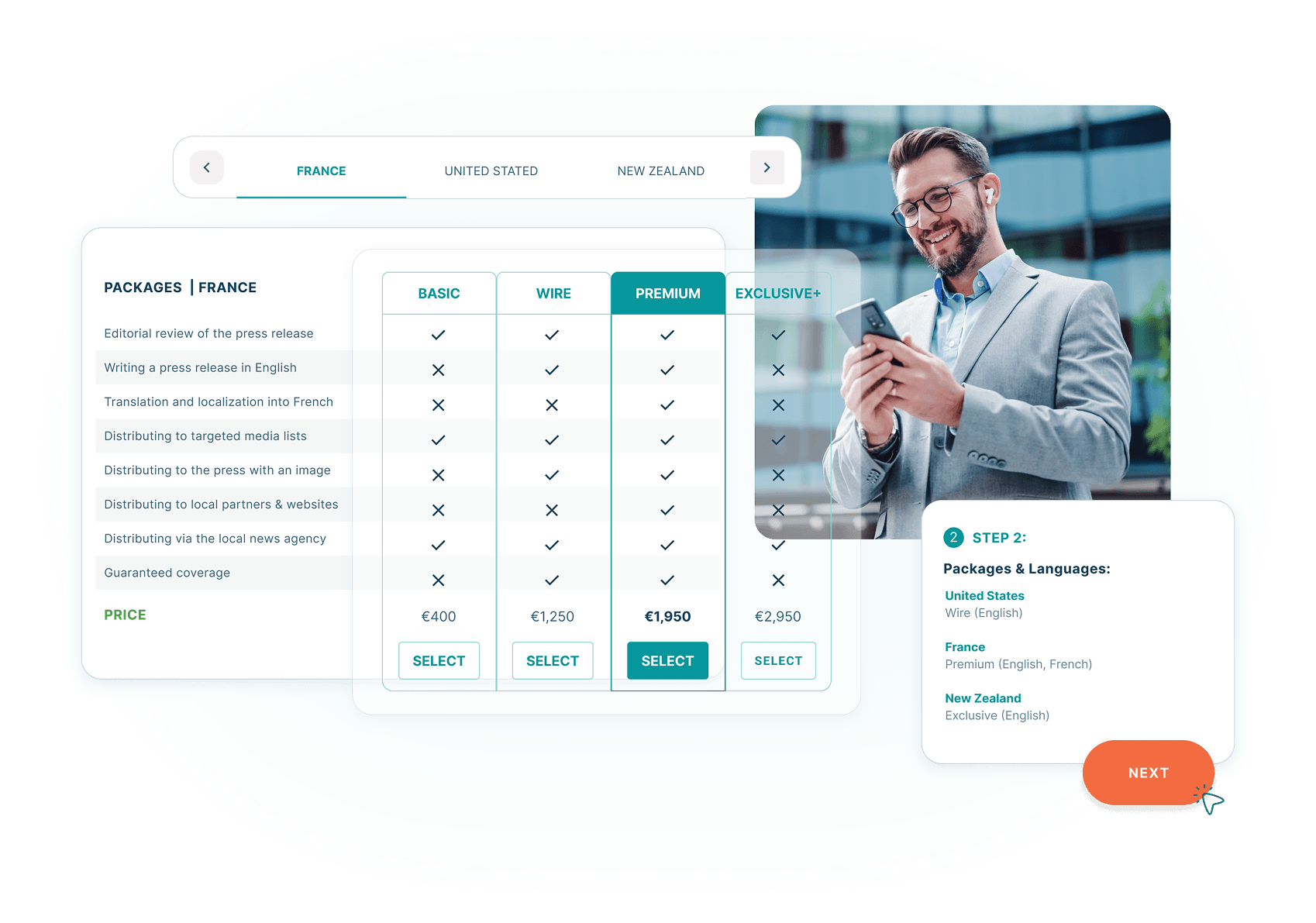
Choose Your Submission Package

Compare the available options based on your target market, included services, price, and coverage. No subscription is required.

Submit Press Releaseright arrow

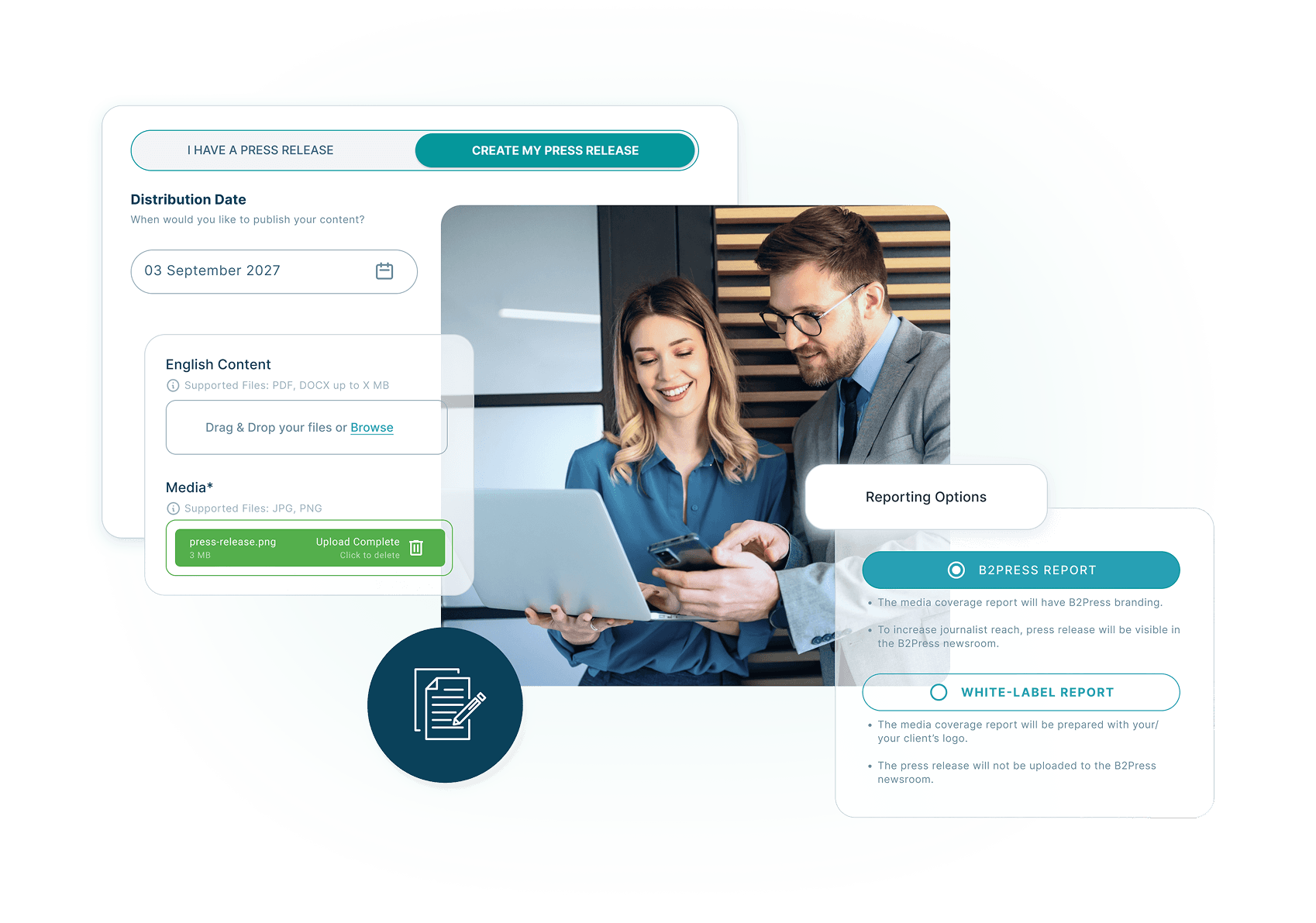
Submit Press Release

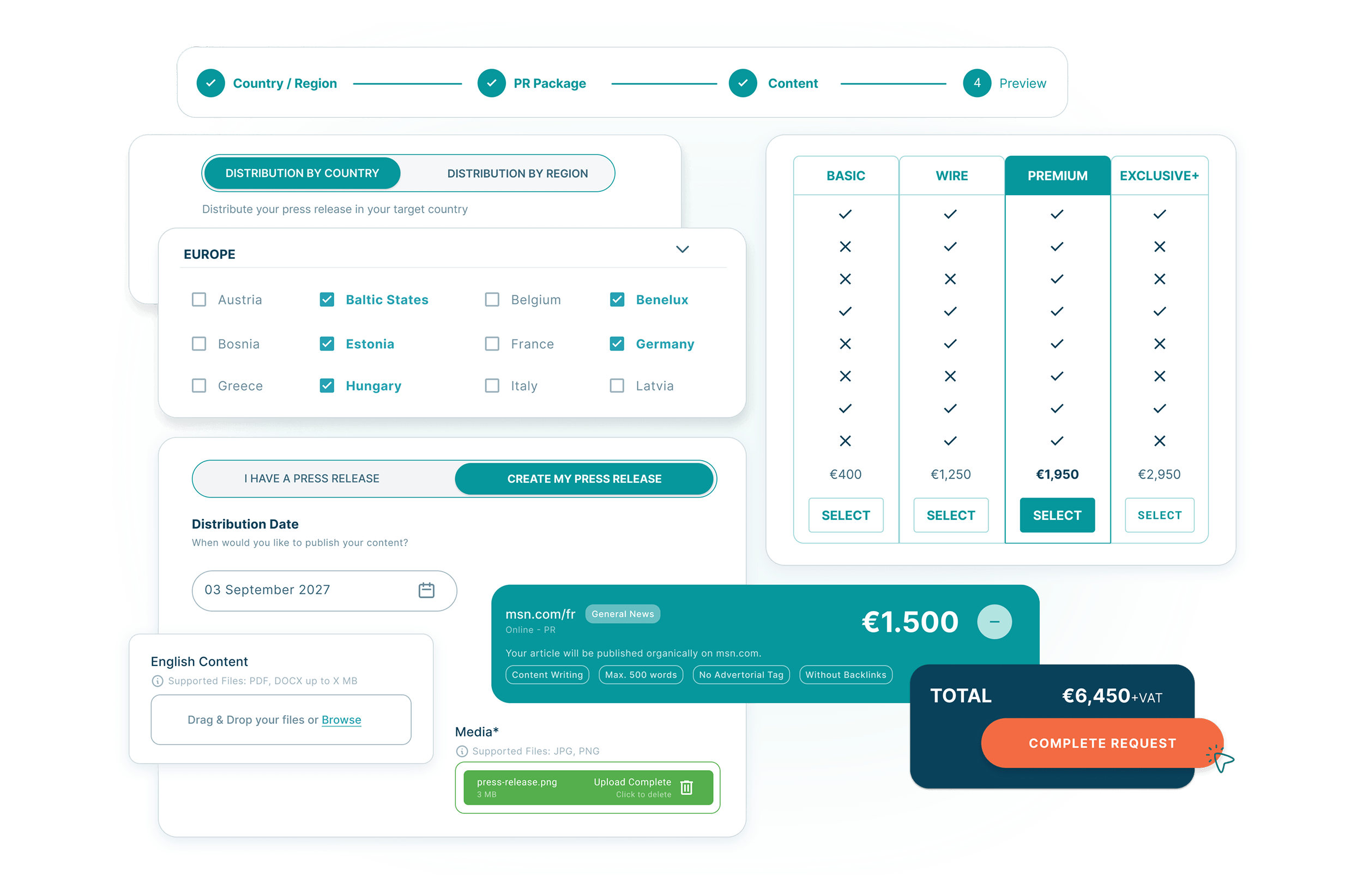
Upload your press release or share a brief. Your submission is reviewed by the editorial team before you proceed.

Review, Pay and Confirmright arrow

Review, Pay and Confirm

After editorial approval, review the final campaign details, complete payment, and confirm your preferred submission and publication schedule.

Choose your target market, upload your press release or brief, review the available option, and complete your submission online.
SUBMIT PRESS RELEASE

Press Release Submission with Clarity and Control

Submitting a press release shouldn’t feel uncertain or opaque. B2Press provides a clear submission process where you know exactly where your content goes, how it’s handled, and what to expect at every step.

Press Release Submission with Clarity and Control

Complete Your Press Release Submission Online

From choosing your market to completing editorial review, B2Press gives you a clear online submission process. Upload your content, select the appropriate option, review the campaign details, complete payment, and receive reporting once the campaign is finished.

Complete Your Press Release Submission Online

Frequently Asked Questions About Press Release Submission

Below you’ll find answers to common questions about how to submit a press release, what happens after submission, pricing, publication, and reporting.

How do I submit a press release online?

You can submit a press release online with B2Press by choosing your target country or region, selecting an available package, and uploading your press release or brief. After editorial review, you can complete payment and confirm the campaign details.

Yes. You can upload a press release you have already written. If you need support, optional writing, editing, or localization services may also be available depending on your selected campaign.

After submission, your press release and campaign details are reviewed. Once editorial approval and payment are completed, the campaign proceeds according to the selected option and confirmed date.

Publication locations depend on the target market and package you select. You can review the available coverage before completing your submission.

Creating a submission does not require a subscription, but press release campaigns are paid per selected package. You see the applicable price before completing the submission.

Yes. You can send a press release online to a specific country, selected countries, a regional market, or a global option. Start by choosing the market you want to target.

The time needed to complete a submission depends on the selected market, package, content readiness, and editorial review. The campaign schedule is confirmed before publication proceeds.

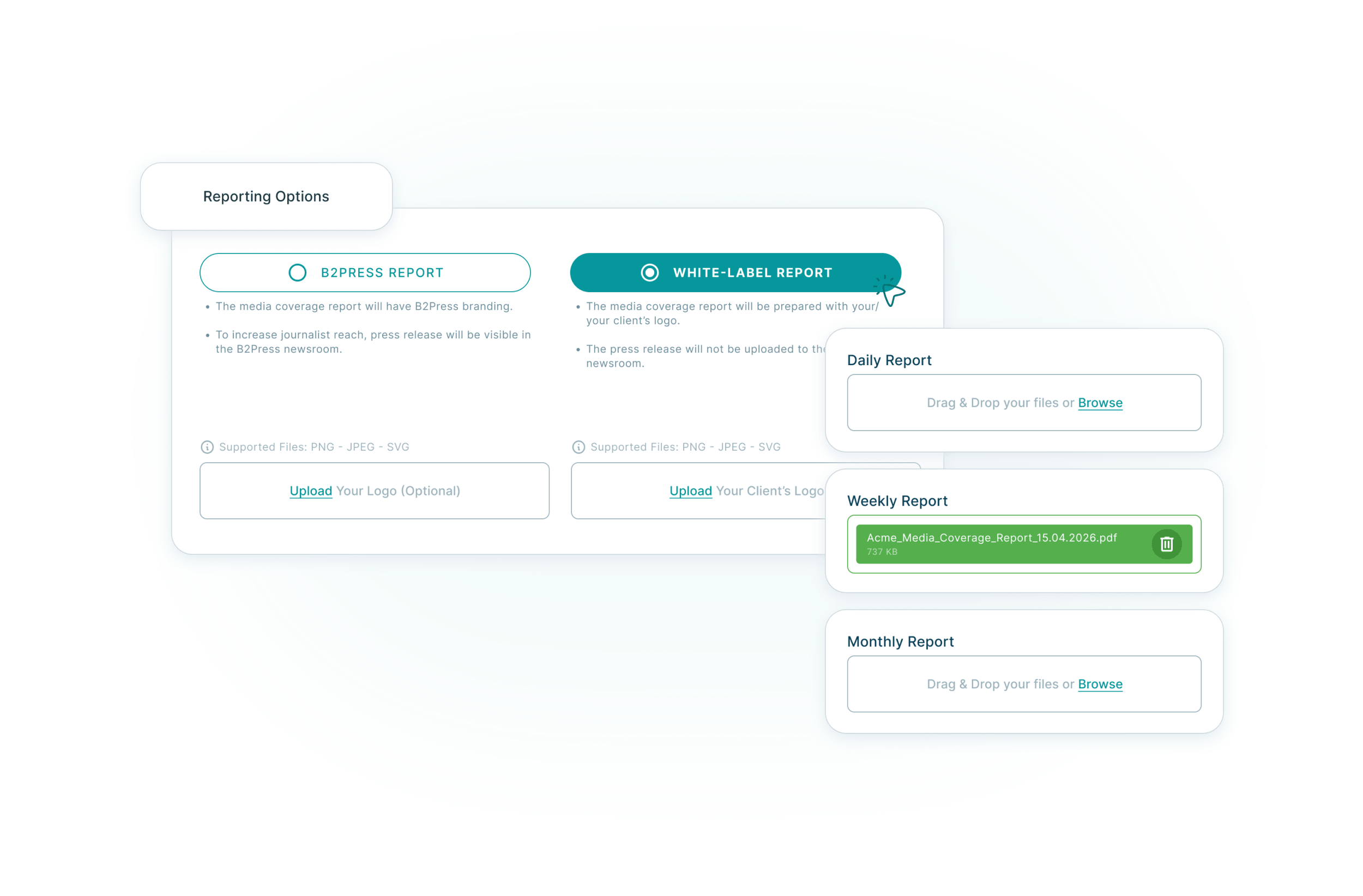
Yes. After the campaign is completed, you receive reporting that shows the resulting publication links and campaign results.

Yes. PR agencies and consultants can submit press releases for clients through B2Press. Available reporting and account options depend on the campaign and service setup.

B2Press
Sending...
B2Press